Home / Shop / Starlink Gen 3 Router Wall Mounts
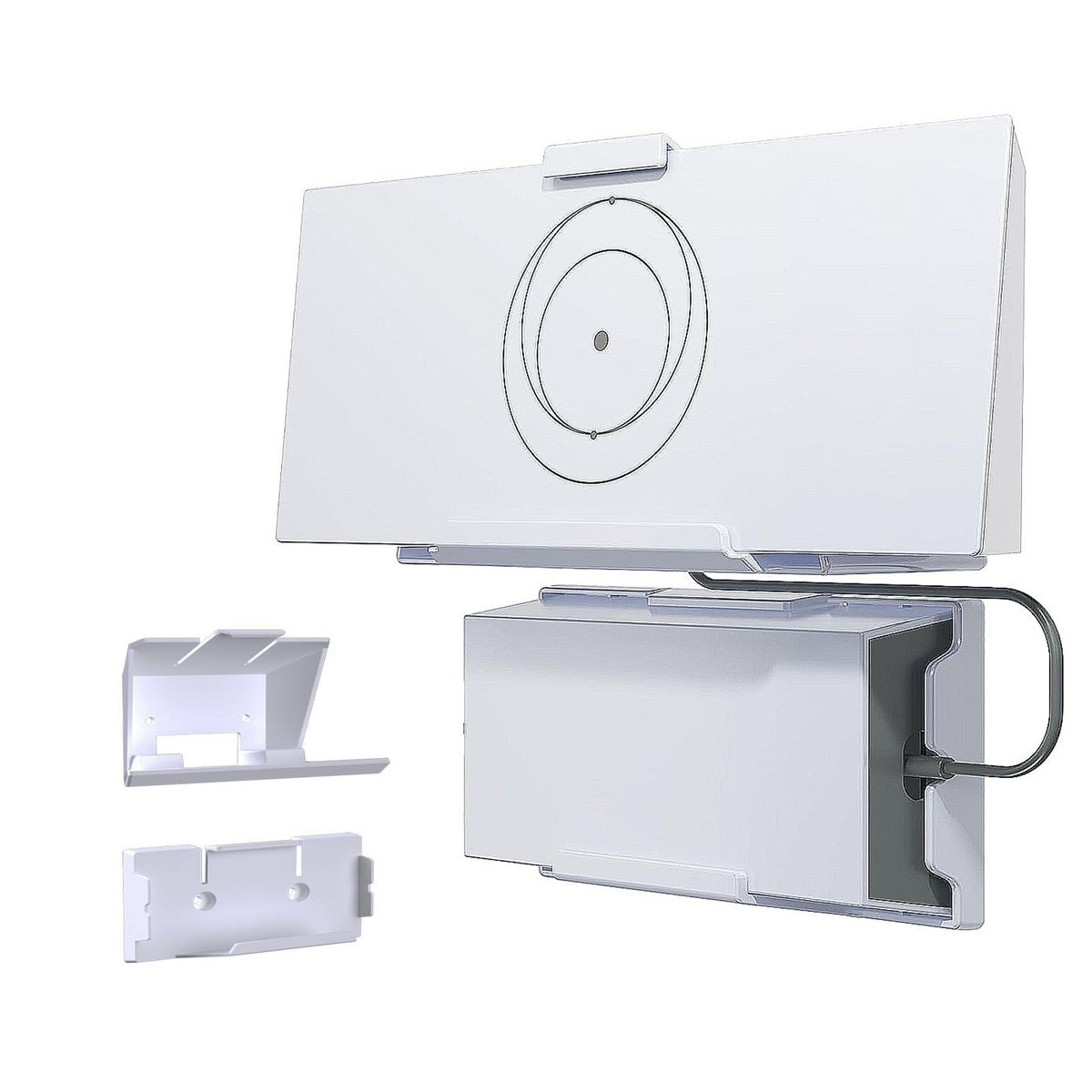
Starlink Gen 3 Router Wall Mounts
For the Starlink Gen 3 router — gets it off the floor and onto a wall, still breathing.
From $17.99
Secure checkout via Payhip · Free shipping on every order — no minimum · 30-day returns
Choose your option
Pick an option — the photo and the price follow your choice.
Fits: the Starlink Gen 3 (Standard) router. This is a router bracket, not a dish mount.
- ✓Holds the Gen 3 router flat against the wall — no shelf, no cable ties
- ✓Front and sides stay open, so the router vents the way it should
- ✓Keeps the power lead and cable runs up off the floor
- ✓Screws and wall anchors in the box — up in about 10 minutes
Specs
| Fits | Starlink Gen 3 (Standard) router |
|---|---|
| Mount type | Wall bracket — router clips in, no shelf needed |
| Mounts to | Drywall, timber, brick, stucco |
| Hardware | Screws + wall anchors included |
| In the box | Bracket, screws, anchors, printed instructions |
| Shipping | Free on every US order — no minimum |
Fitment & install
Full step-by-step instructions ship in the box. If anything is unclear, email us a photo of your setup and we'll walk you through it.
- ✓Two screws, anchors included — mark the height you want, drill, done.
- ✓Typical install time: 10–15 minutes.
- ✓Run the cables behind the bracket before you clip the router in.
Compatible with
| Model | Compatible | Notes |
|---|---|---|
| Starlink Gen 3 (Standard) router | Yes | Sized to the Gen 3 router case specifically. |
| Starlink Mini router | No | This bracket is not sized for the Mini router. |
| Starlink dishes (all generations) | N/A | This is a router bracket, not a dish mount — see the mount range for dish fitment. |
“Compatible with” means the part physically fits and works with that device. Zatelitount is an independent maker of installation hardware — not affiliated with, endorsed by, or an official supplier to SpaceX or Starlink. See the full compatibility page, or run the Mount Finder if you are still deciding.
Before you order
Will this fit the Mini router?
No — this one is sized for the Starlink Gen 3 (Standard) router. If you're running a Mini, email us and we'll tell you what we can do.
Is professional installation required?
Just two small screws — drywall and brick anchors are in the box, and you'll need a drill. Most people are done in 10–15 minutes, and the router clips in with the front and sides left open so it vents as it should.
Do I need to drill?
Yes, two small screws. Drywall and brick anchors are in the box, and you'll need a drill — no other tools.
Does it block the vents?
No. The router sits flat with the front and sides open, which is exactly how it vents on a desk.
What does shipping cost?
Nothing — this one ships free on its own too, no minimum to hit.
Related reading
Not sure which generation of hardware you are running? The Gen 3 vs Mini comparison covers it, and there is more in the guides index.
Others in the range
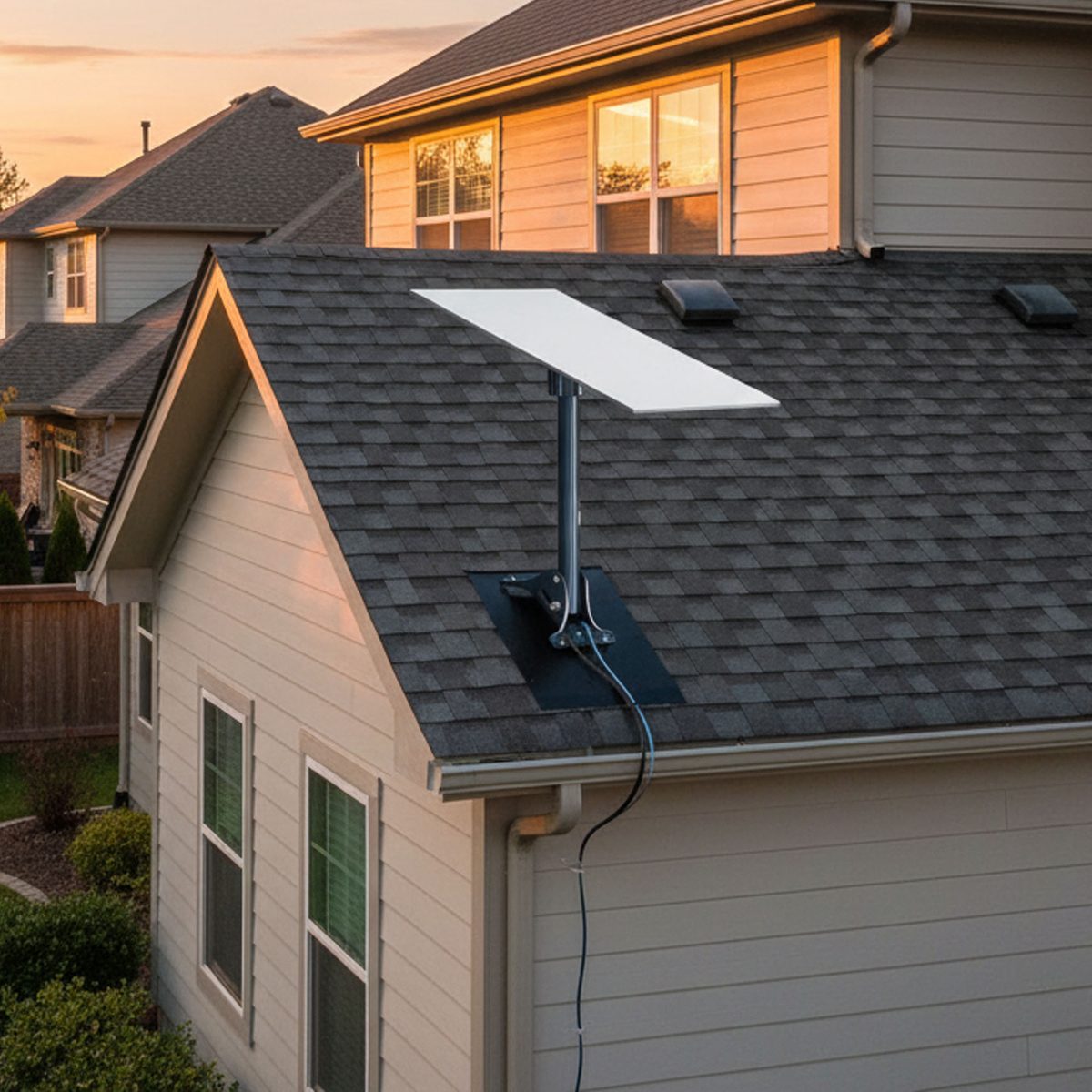
Starlink Roof Mount Kit
Low-profile Starlink roof mount that holds its position through high wind, snow load and heavy rain.
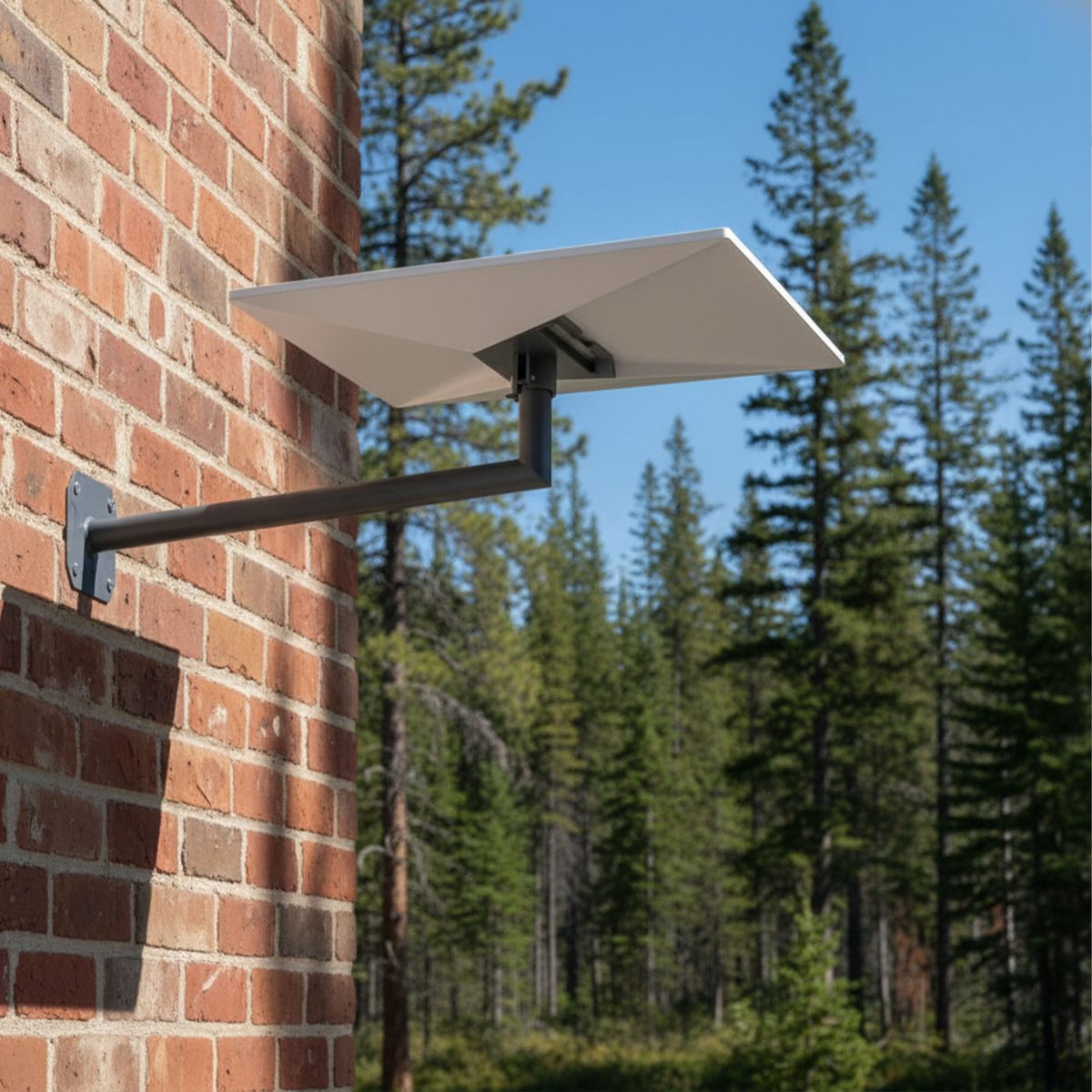
Starlink Wall & Eave Bracket
The clean way to get a clear Starlink sky view without putting a hole in your roof.
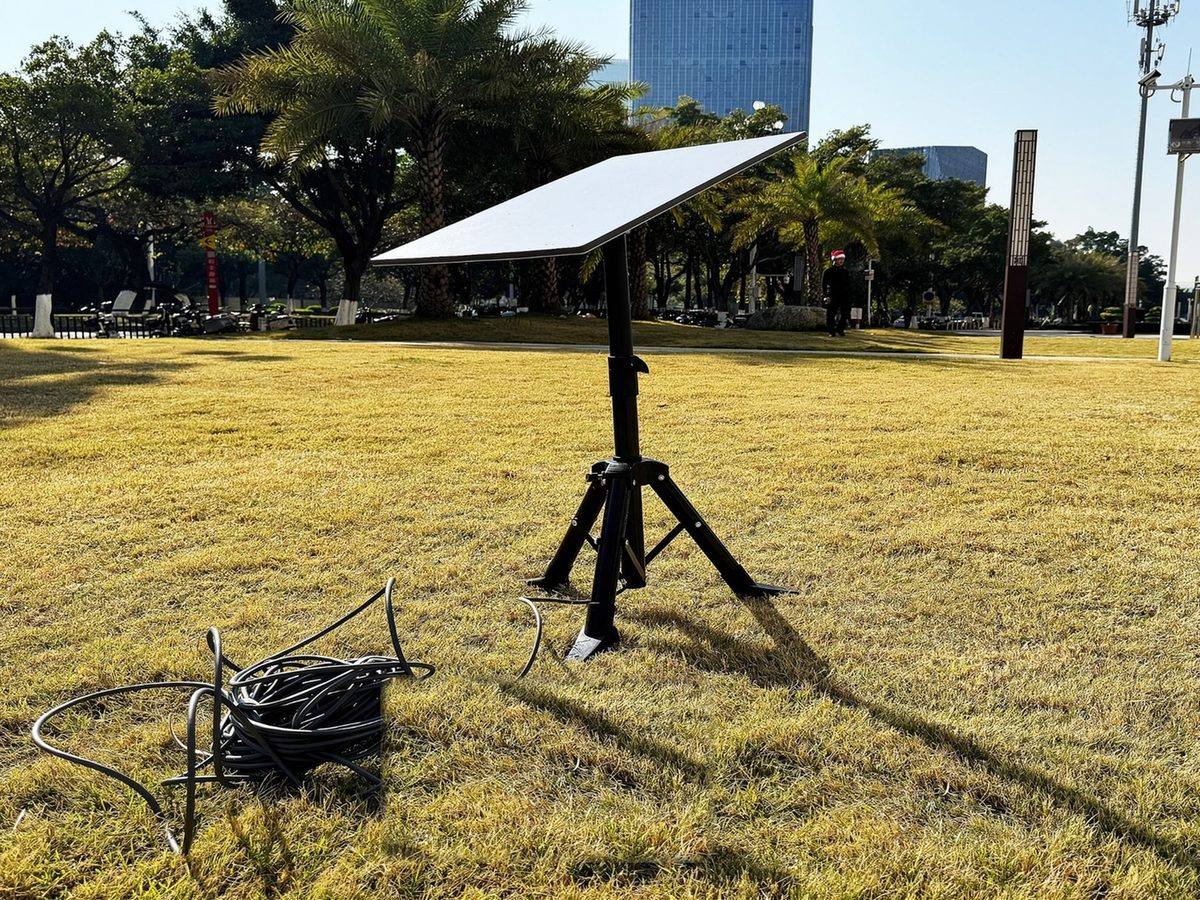
Adjustable Heavy-Duty Starlink Tripod Stand
A freestanding, height-adjustable Starlink stand — set it down where the sky is clear and take it with you when you go.